
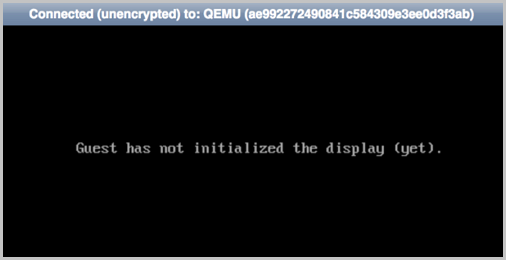
The Virtual Machine console displays the error "Guest has not initialized the display (yet)." How do I resolve this?
The Guest has not initialized the display (yet) error in the Virtual Machine console generally has the following two causes. Identify the cause and refer to the corresponding solution to troubleshoot.
Cause 1
This issue commonly occurs in VMware nested environments and may be caused by the simulated hardware not supporting the Intel EPT (Extended Page Tables) memory hardware virtualization feature.
Solution
-
Try the following steps to resolve the issue:
-
Shut down all Virtual Machines, then disable Intel EPT hardware assist on the Host details page. Restart the Host, then create the Virtual Machine. The console is now accessible.
-
Performing this operation on production hosts significantly degrades Virtual Machine performance. Proceed with caution.
Cause 2
When using older servers as Compute Nodes, you may encounter issues creating Virtual Machines or displaying the console due to an outdated CPU model.
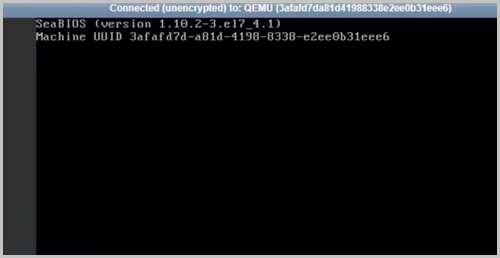
As shown in Figure 1
Solution
-
Try the following steps to resolve the issue:
-
Run the following command inside the Virtual Machine to edit the
kvm-nested.confconfiguration file and addept=0:[root@localhost ~]# vim /etc/modprobe.d/kvm-nested.conf options kvm_intel nested=1 ept=0 -
Run the following command to remove
kvm_intel:[root@localhost ~]# rmmod kvm_intel -
Run the following command to reload
kvm_intel:[root@localhost ~]# modprobe kvm-intel ept=0 unrestricted_guest=0